

The Beacoland Mod Pack enhances your vanilla Minecraft experience with performance boosts, improved visuals, and quality-of-life features.
Joining the server? Check out our Getting Started Guide
Download Options #
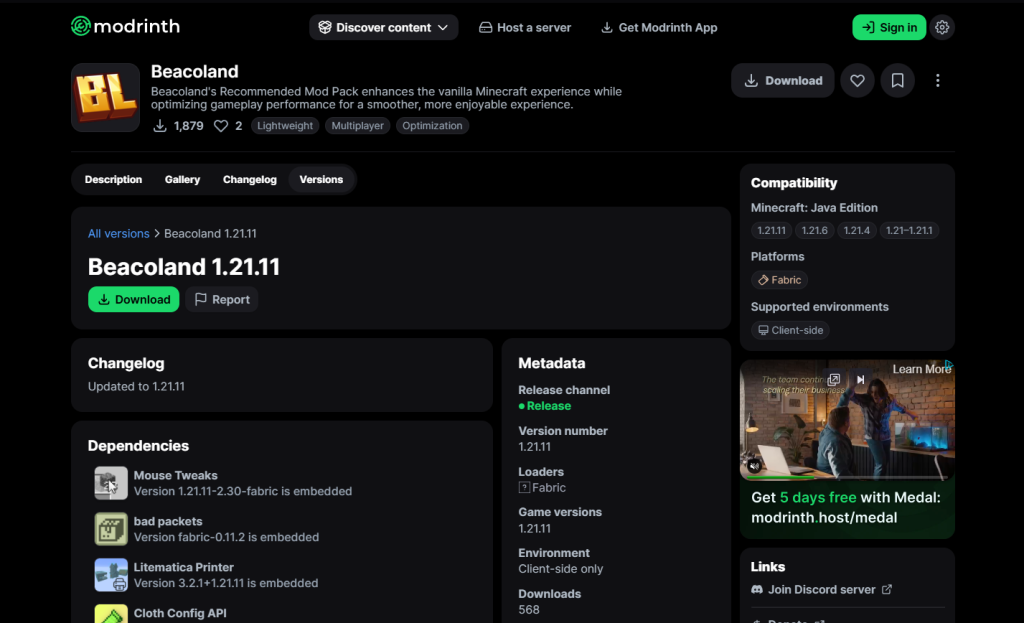
Modrinth (Recommended – One Click Install) #
The easiest way to install the mod pack.
Download via Modrinth App or the Modrinth website and install in one click.
Why use this?
- Automatic installation
- Handles updates for you
- No setup required
- Works straight away
👉 Best option for most players
Manual Download (Alternative) #
For players not using Modrinth.
We provide a downloadable version of the mod pack that can be installed manually.
How to install:
- Download the mod pack files
- Extract the download
- Navigate to your
.minecraft/modsfolder - Move all
.jarfiles into themodsfolder
Make sure you are launching the correct Minecraft version and Fabric Loader. Using the wrong version is the most common cause of issues when installing the mod pack.
Fabric Requirement #
This mod pack runs on Fabric Loader.
If you don’t already have it installed:
- Download the Fabric Installer
- Install the latest version for Minecraft
- Launch the game once to generate files
What’s Included in the Beacoland Mod Pack #
Beacoland’s Recommended Mod Pack combines carefully selected mods to improve performance, visuals, and everyday gameplay — without changing the vanilla experience. Below is a list of some the mods included:
🚀 Performance Optimisation #
- Sodium – Major rendering performance boost
- Lithium – Game logic optimisations
- Entity Culling – Stops rendering hidden entities
- ImmediatelyFast – Improves UI and rendering performance
- Dynamic FPS – Reduces resource usage when tabbed out
- Bobby – Extends render distance beyond server limits
🎨 Visual Enhancements #
- Iris Shaders – Enables shader support
- Better Clouds – Enhanced cloud rendering
- Dynamic Lights / LambDynamicLights – Light from held items
- Falling Leaves – Ambient particles
- Not Enough Animations – Improved player animations
- Entity Texture Features (ETF) & Entity Model Features (EMF) – Enhanced mob visuals
🧰 Quality of Life Improvements #
- Inventory Control Tweaks – Faster inventory management
- Mouse Tweaks – Better item movement
- Shulker Box Tooltip – View contents without opening
- WTHIT – Block and entity info
- BetterF3 – Cleaner debug screen
- Zoomify – Smooth zoom
- Simple Fog Control – Adjustable fog
🛠️ Building & Technical Tools #
- Litematica – Schematic building
- Litematica Printer – Assisted placement
- Accurate Block Placement Reborn – Precision placement
🔊 Multiplayer & Beacoland Features #
- Simple Voice Chat – Proximity voice chat
- Beacoland TCG+ – Custom server features (when relevant)
⚙️ Core Libraries (Required) #
Includes required dependencies such as:
- Fabric API
- Cloth Config
- YACL
- MaLiLib
- Architectury API
- Fabric Language Kotlin
- Sodium Extra
- Reese’s Sodium Options
Important Notes #
- This is a client-side mod pack only
- It is allowed and supported on Beacoland
- You can join without it, but your experience may be worse
- No gameplay advantages are included
Disclaimer #
This mod pack is a curated collection of third-party mods.
We do not develop or maintain these mods and cannot guarantee compatibility with all systems or other mod configurations.
Use at your own discretion.


