

Beacoland shop search lets you create shops, list items, and find products across the server using a simple and intuitive GUI.
Everything is designed to be used through the GUI, with a small command required when creating your shop.
Opening the Shop Menu #
To get started, run:
/sh
This opens the Beacoland Shops Menu.
Main Menu Overview #
The menu has three core options:
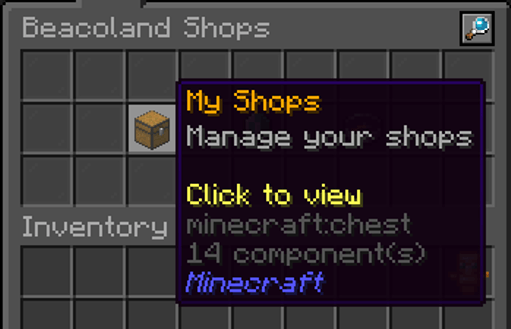
My Shops #
Manage your shops:
- View all your shops
- Edit items and prices
- Restock or remove listings
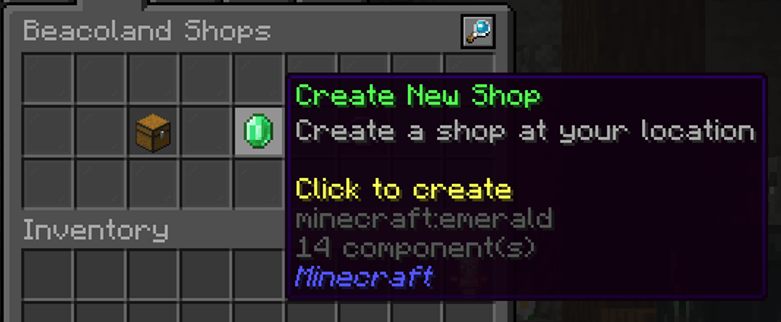
Create New Shop #
Create a shop at your current location.
This option will prompt a command (see below).
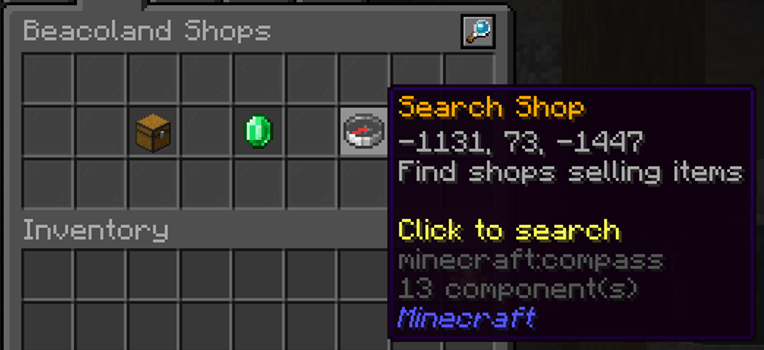
Search Shop #
Using Beacoland shop search, you can quickly compare prices and find the best shops across the server.
- Locate shops quickly
- Compare prices
- Keep the economy active and competitive
Creating a Shop #
- Stand at your shop location
- Open
/sh - Click Create New Shop
- Run the command shown: /sh create <name>
- Enter your shop name
Your shop is now created and linked to your location.
Important #
- Your shop is registered exactly where you stand
- Always create it inside your plot
- Choose a clear and appropriate name
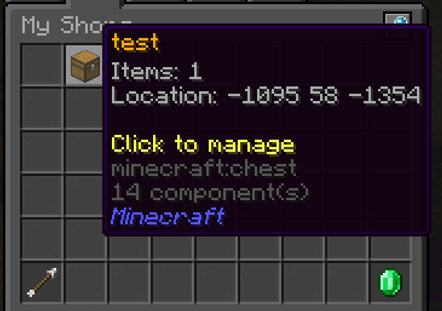
Managing Your Shop #
Go to My Shops and click your shop.
From here you can:
- View all listed items
- Add new items
- Edit existing items
- Restock items
Adding & Editing an Item #
- Place an item into the shop GUI
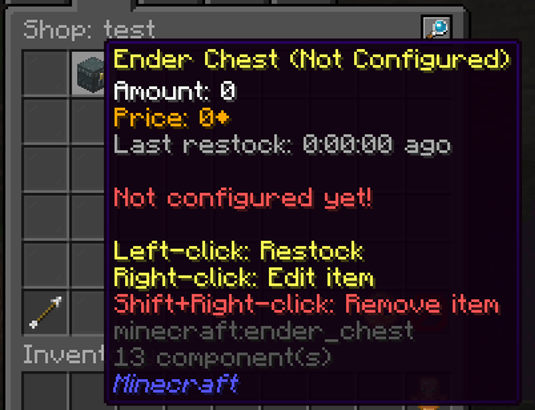
- Right-click the item
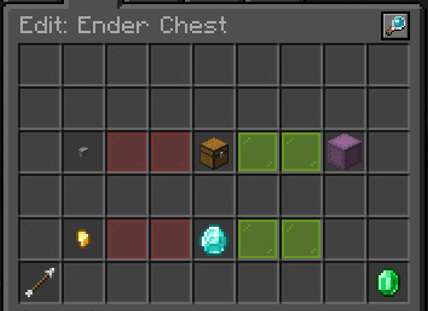
- Configure:
- Price
- Quantity
- Confirm the setup
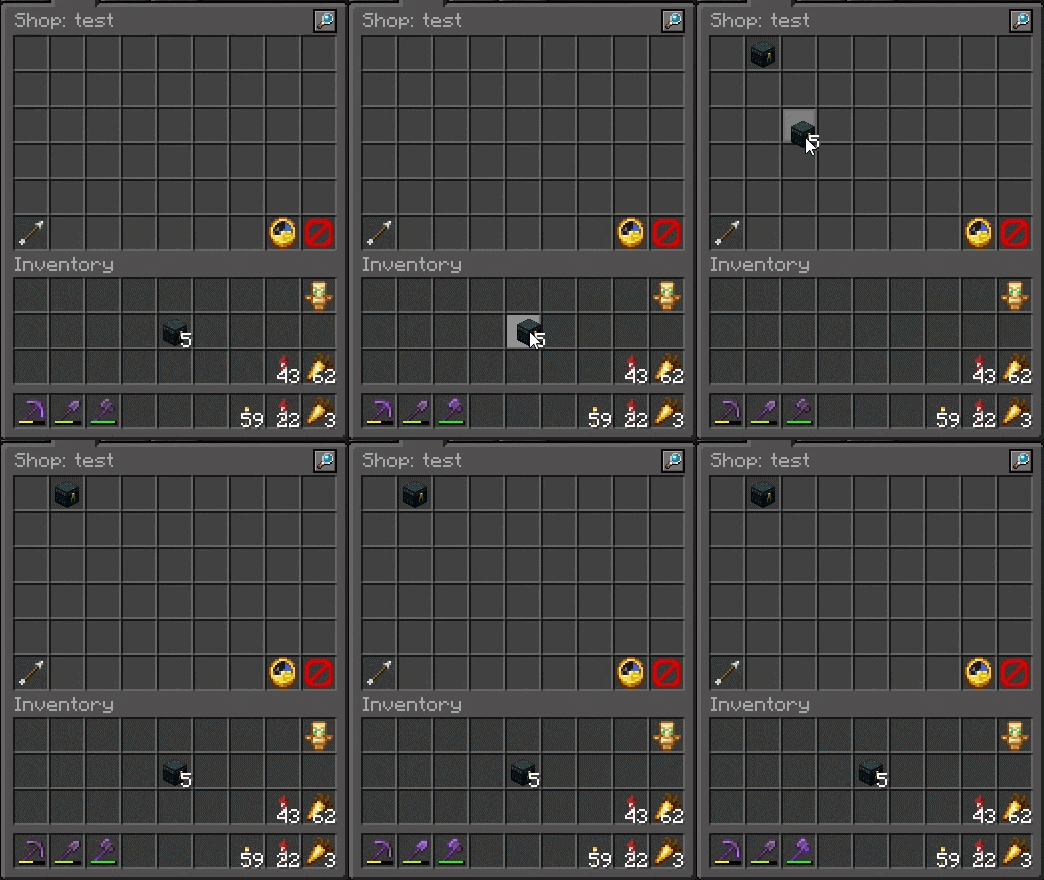
Restocking #
Left-click an item to restock it:
- Stock updates instantly
Removing an Item #
Shift + Right-click an item to remove it from your shop.
Searching for Items #
- Open
/sh - Click Search Shop
- Scroll through the item list
- Click the item you want
The GUI will show all shops selling that item.
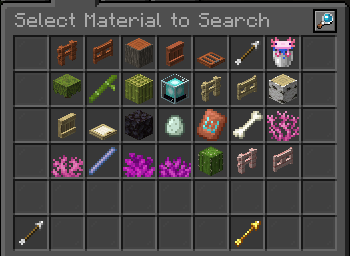
You’ll see:
- Seller
- Amount
- Price
- Location (including distance from you)
- Last restocked
This makes it easy to find the best deals or track recently restocked shops.
Rules & Expectations #
- Shops must follow the Shopping District rules
- No misleading pricing or troll listings
- Shops should be clearly accessible
Commands (Optional) #
While the GUI is recommended, these commands are available:
/sh                  → Open main menu
/sh create <name>    → Create a shop
/sh search <item>    → Search via command
/sh edit <shop>      → Edit your shops name and/or location
/sh list <shop>      → List all items sold in a specific shop
Frequently Asked Questions #
Do I need commands to use the shop system?
Most features are handled through the GUI, but creating a shop currently requires a command.
Why is my shop not showing?
Make sure your shop has been created correctly and contains items for sale.


